When you think about word processors, there are not many names that come to mind, but that might be about to change with Atlantis Word Processor. While normally you wouldn’t see past Microsoft Word or Google Docs, the word processor by Atlantis might make a worthy competitor.
A long list of features
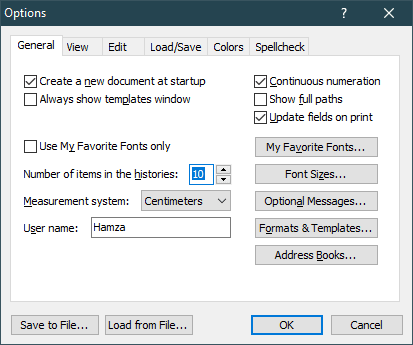
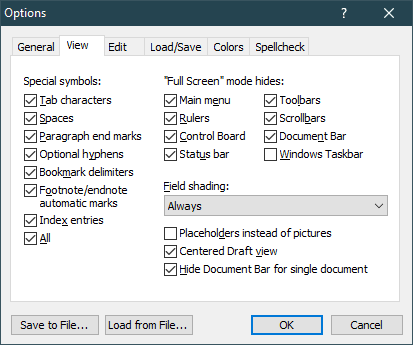
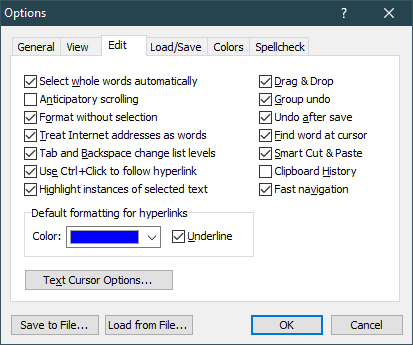
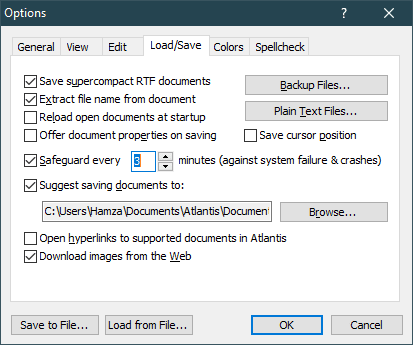
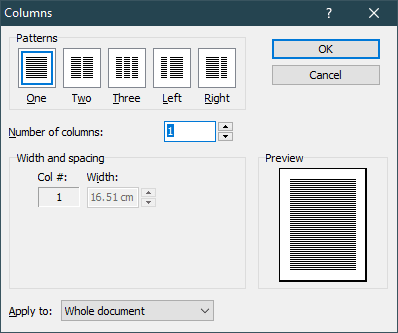
Just like the best word processors, Atlantis has enriched its software with a wide array of features that many users would need and find helpful. The options include alignment, font options, insertion, and many more. Now, granted that the free or lite version does not have the entirety of features, it still has more than enough features that you need in your daily usage, allowing you to evaluate the software thoroughly before buying.
That being said, there are a host of useful features such as formatting, symbols, breaks, lines, headers, footers, endnotes, and so much more.The free and paid versions
There are a few differences between the free (lite) version and the paid version, of course. Now, for a normal end-user, this may be no big deal as the free version may suffice on most counts, but for power users as well as organizations, the paid version will come in handy with all the premium features and extras as well.
You can use the free version for 30 days before you make up your mind and decide if it is worth buying for you.User interface
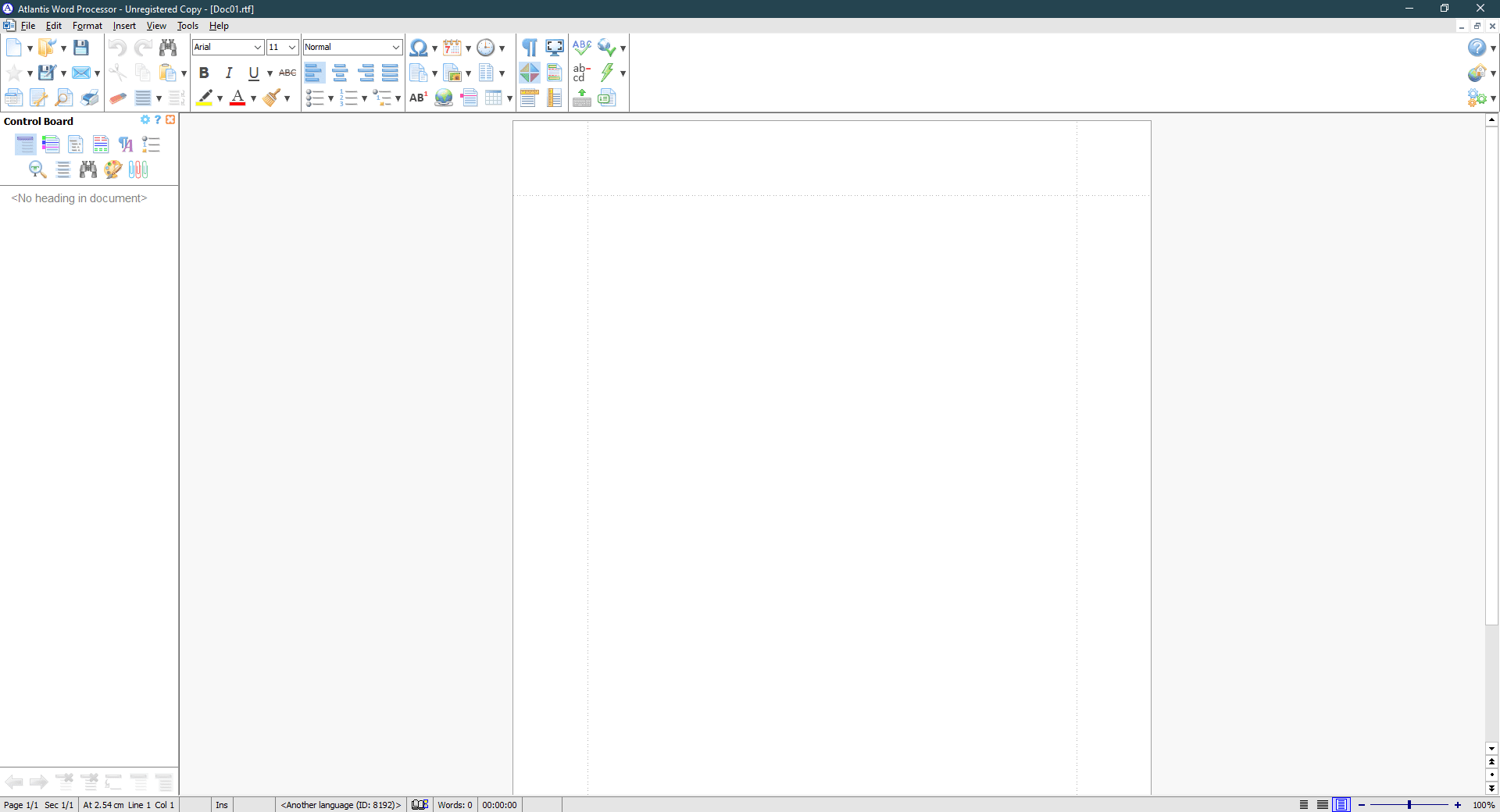
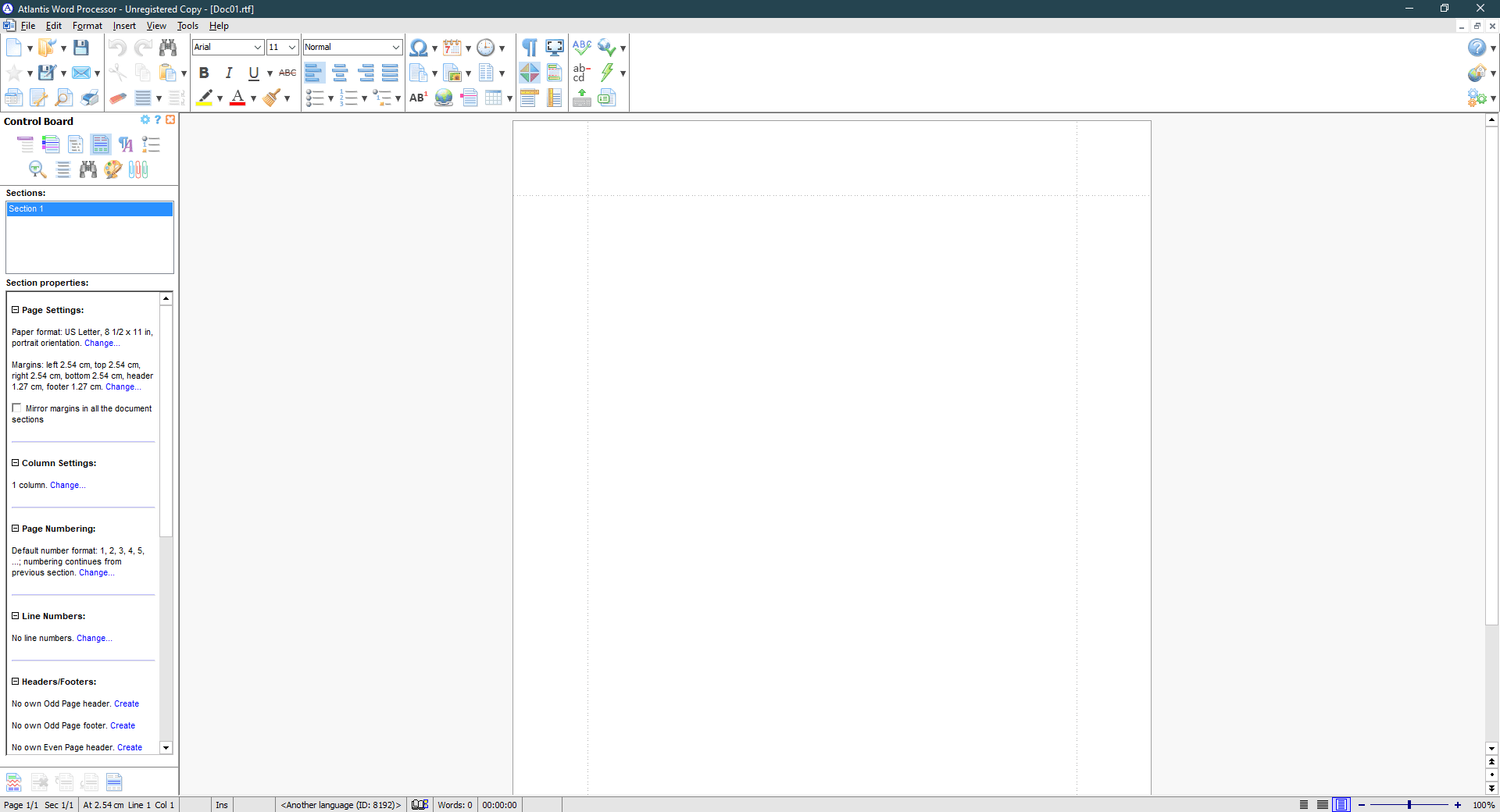
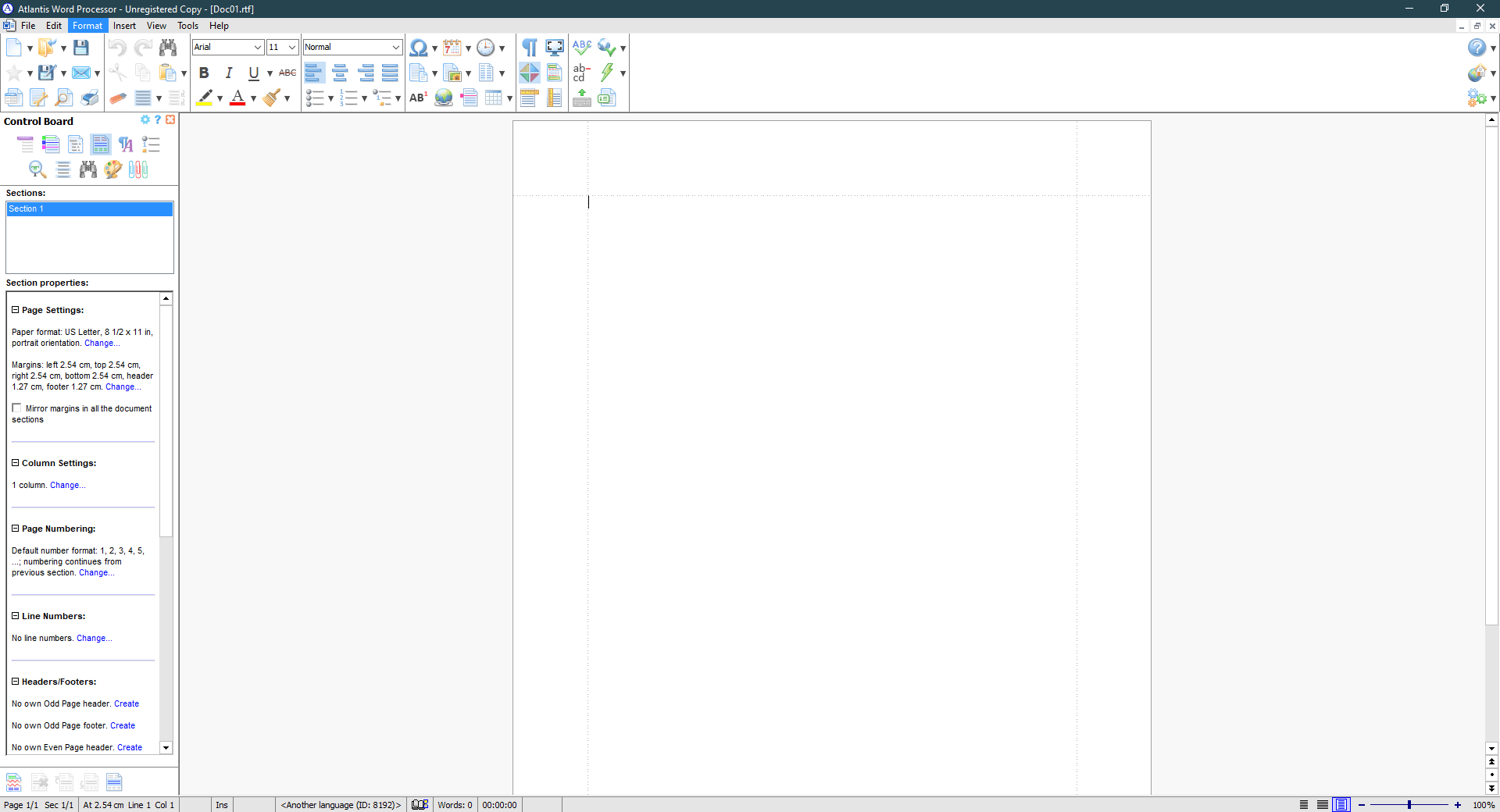
The UI of Atlantis Word Processor uses a blue and white color scheme and is filled with numerous icons and options. As every word processor must have, it has a lot of useful features that are available with a single mouse click. All the main features are available on the main screen, and users who know the keyboard shortcuts can access functions instantly.Conclusion
Atlantis Word Processor is a worthy competitor to the giants in the word processor genre. Should you wish to write novels, articles, and edit your documents, the Atlantis Word Processor Lite (free) version provides you with more than enough options. The application is quick, responsive, free of bugs, and lightweight. It takes a day or two to get used to it, but once you do, you will have no complaints.